Rod Lift Simulation and Design in the Cloud
We moved rod pump design and simulation from desktop-only tools to a cloud platform where engineering teams share well data, designs and results.
Desktop Tools and Scattered Engineering Data
Engineers designed rod strings in desktop applications. Files lived on individual machines, and sharing results across teams was slow.
Desktop-Only Software
Engineers could not work remotely or review designs together.
Data on Individual Machines
Designs and surveys had no central storage or version history.
Slow Analysis Cycles
Moving files between tools delayed design reviews and decisions.
Our approach
We built a cloud platform with a shared data hub, role-based access and a simulation engine that engineering teams use from the browser.
What We Built
A cloud platform for rod lift design that replaces desktop tools and centralizes well data.
Directional Survey Import
Drag-and-drop Excel import that recognizes common survey formats.
Wellbore Analysis
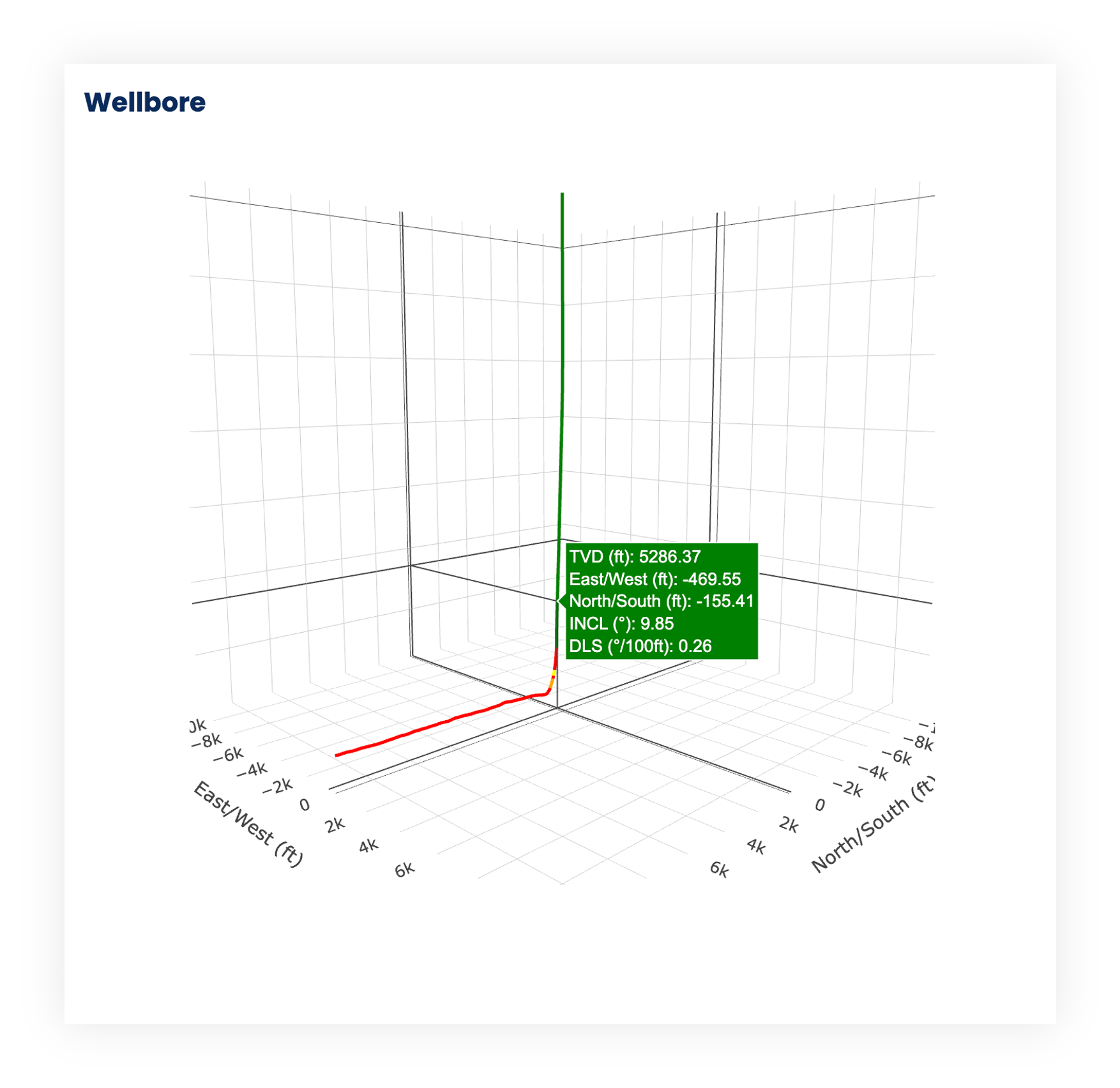
3D wellbore visualization and buckling analysis.
Buckling Calculations
Critical buckling load analysis with clear charts for engineering review.
Role-Based Access
Multi-user platform with permissions and centralized data.
Design History
Central storage with version history for every design.
Taper Design Assistant
Guided rod taper design with severity charts.
Built for Engineering Teams
Screens from the production platform.
Shared Engineering Data
Teams manage and reuse well designs, simulations and field data in one place.
- Company-wide data environment
- Role-based access with audit history
- SSO with your identity provider
- Version-controlled design records
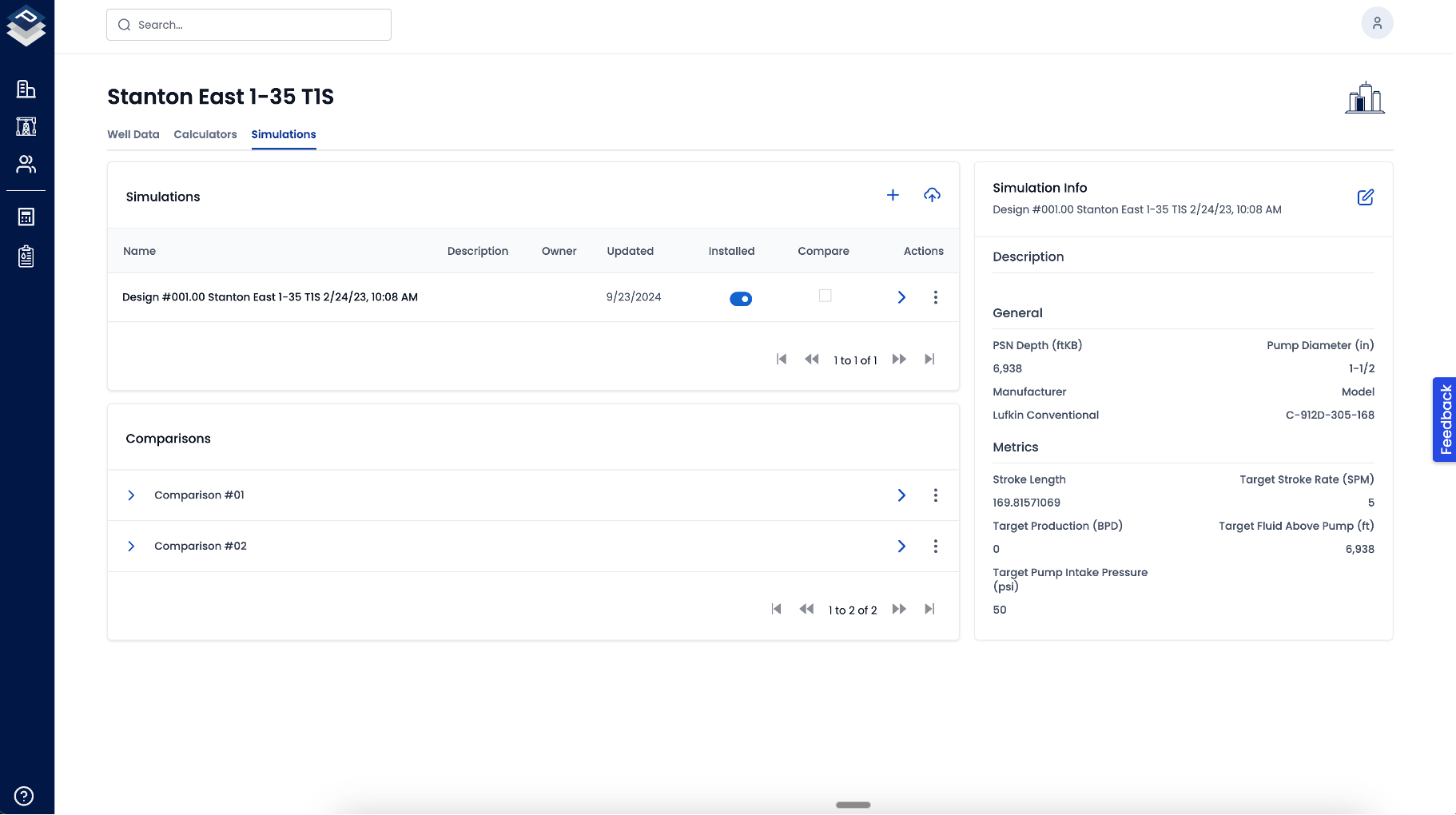
Legacy Design and Survey Import
Engineers bring existing designs and surveys in without reformatting them by hand.
- Drag-and-drop Excel and native files
- Automatic data recognition
- Correction of common formatting issues
- Support for legacy formats
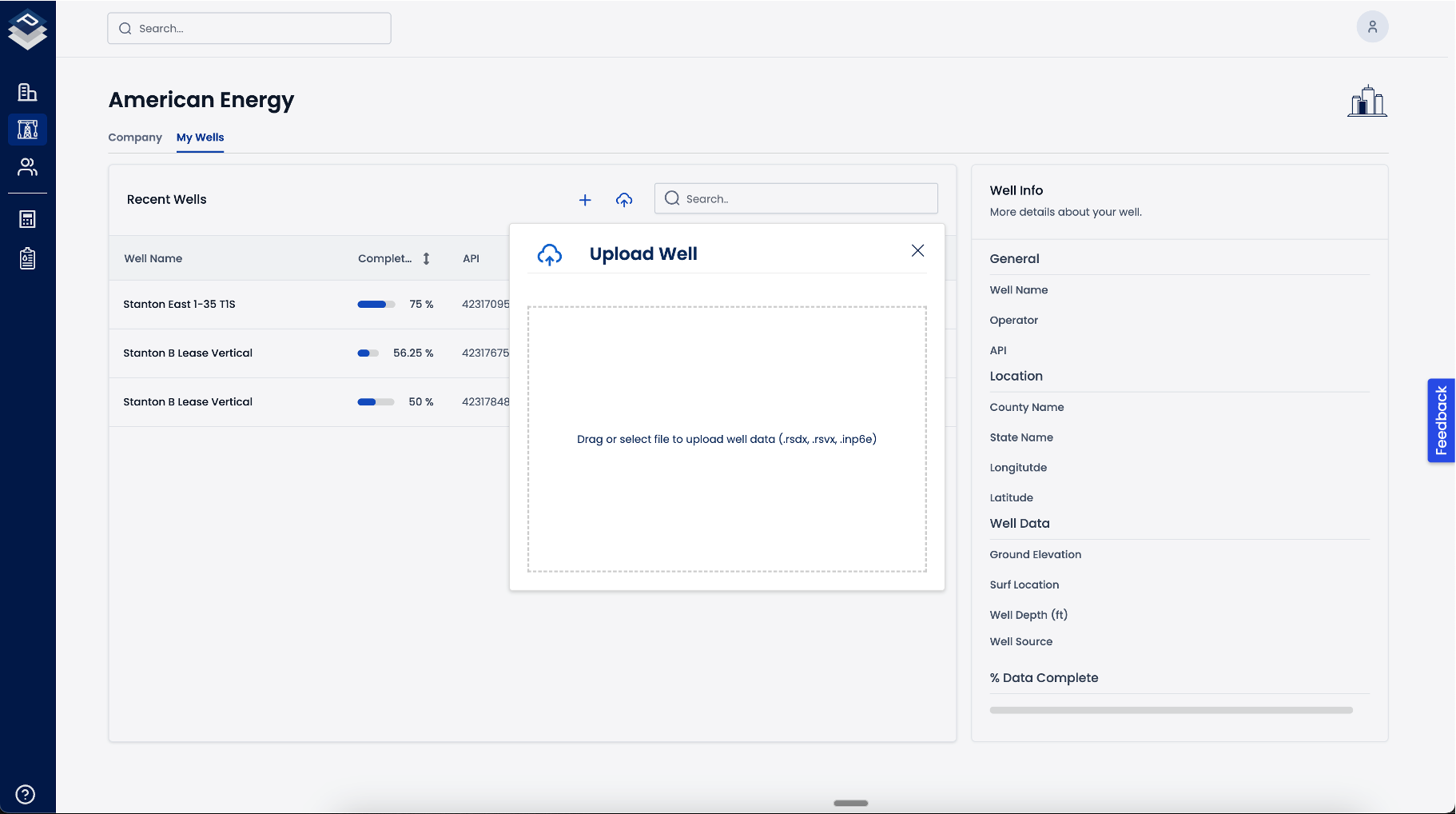
Simulation Comparison
Side-by-side comparison of simulations for design review.
- Side-by-side comparison
- Loading, rod stress and fluid production views
- Variations on a base design
- Clear outputs for review
How the Platform Fits Together
A cloud simulation platform used by engineering, management and IT, fed by survey, well and production data.
Users
- Engineering
- Management
- IT
Modules
- Rod simulation
- Design assistant
- Comparisons
- Dynamics
- Bulk import
- Survey import
- Spline interpolation
- 3D wellbore
- Data hub
- Version control
- Role-based access
- SSO
Data sources
- Survey data
- Well data
- Production data
- Step 1
Import
Engineers upload directional surveys and well data.
- Step 2
Calculate
The engine processes wellbore geometry and runs the rod lift simulation.
- Step 3
Analyze
Results include buckling analysis and design recommendations.
- Step 4
Share
Teams review results from the same central data.
How We Built It
The technical work behind the platform.
Simulation Engine
Rod pump dynamics modeling for load and performance calculations.
- Wave equation solver for rod loads
- Pumping unit kinematics with surface and downhole cards
- Rod stress and fatigue analysis
Cloud Architecture
Cloud infrastructure with centralized data management.
- PostgreSQL schemas for simulation data
- Redis caching for calculations
- AWS S3 storage with versioning
Enterprise Integration
Access control and integration with the systems engineering teams already use.
- Integration with Snowflake, Databricks and custom APIs
- Role-based access with audit logging
- SSO support
User Management
- Roles
- Admin, engineer, advisor, reviewer
- Access control
- Role-based
- Authentication
- SSO
Data Management
- Storage
- Centralized
- Version control
- Design history
- Backup
- Automated cloud backup
Design Features
- Import
- Legacy and Excel formats
- Visualization
- 2D and 3D
- Analysis
- Design comparisons
Build Something Similar
The services behind this project.
System Consolidation
Replace several legacy tools with one system, with historical data preserved.
Learn moreEnterprise Applications
Applications built around your operations, with full source code and documentation.
Learn moreAI and Automation
Automation and analytics on top of the data your teams already capture.
Learn moreDiscuss Your Oil and Gas Project with Our Team
Tell us which tools and data your teams struggle with. We will review them and propose a first phase.
-
01Discovery
We review your processes, systems and objectives.
-
02Proposal
Defined scope, timeline and investment for phase one.
-
03Delivery
A production release, with a roadmap to scale.